OKD, OpenShift LDAP Authentication

Yeah, LDAP auth. I wanted to sit down and start doing some of the cool stuff with OKD. However, I could not stop myself. I needed to understand how to connect external authentication to OKD first.
It was tempting to just keep running with the admin account created during the initial deploy. That would have been faster, and honestly easier. But LDAP authentication is a foundational element of any enterprise-focused application.
As much as I wanted to jump ahead to the more interesting parts of OKD, this was one of those moments where I had to force myself to slow down, dig in, and understand it properly before moving on.
OKD does none of this: no synchronization, no stale accounts, no cleanup. It does not want to, or pretend to, own identity.
That part was hard for me to wrap my head around, not because the concept was difficult, but because I have not worked with a modern enterprise application that even attempts to "own"" identity, outside of Microsoft Active Directory, of course (not an app).
Once you strip away the Kubernetes terminology
What’s really happening is this:
- OAuth is a simple identity service
- It validates credentials against LDAP
- It issues a token in a format the API server understands
Then:
- The API server receives that token
- Extracts the user and group claims
- Looks up RBAC objects
- Decides allow or deny
The main takeaway from my testing is that all groups and permissions present at the time a token is issued remain valid until that token expires. By default, this is 24 hours.
I had to get my head around this.
There is zero user data stored in OKD. No cache, no tables, just “are you valid?” OK, now I send you to the API to get your roles. There is no “let me go look this user up in my database.”
The API server simply compares the identity in the token to the role bindings stored in the cluster.
What this means in practical terms is that if you remove permissions from a user, or even disable the user entirely, they may still have access to OKD as long as their existing token remains valid.
In many modern applications, disabling a user in LDAP immediately revokes access. That works because those applications actively query Active Directory (LDAP) for user state and permissions on an ongoing basis.
OKD (OpenShift/Kubernetes), however, deliberately strips authentication down to the essentials. The only thing OpenShift knows about a user is what was true at the moment the token was issued.
Less API calls, less complexity around the auth process.
I would say that shortening the default 24-hour validity, using cron jobs to add users to groups, and performing manual revocations for immediate access denial would be standard procedure. It is not a big deal if you understand it, but from a traditional standpoint, it is different.
Log shipping is 100% required to retain audit logs, which honestly just sparked another blog post.
Ok so the high level process:
-
create AD users
-
create OAuth bind
-
create LDAP group-sync.yaml
-
bind the RBAC roles in API
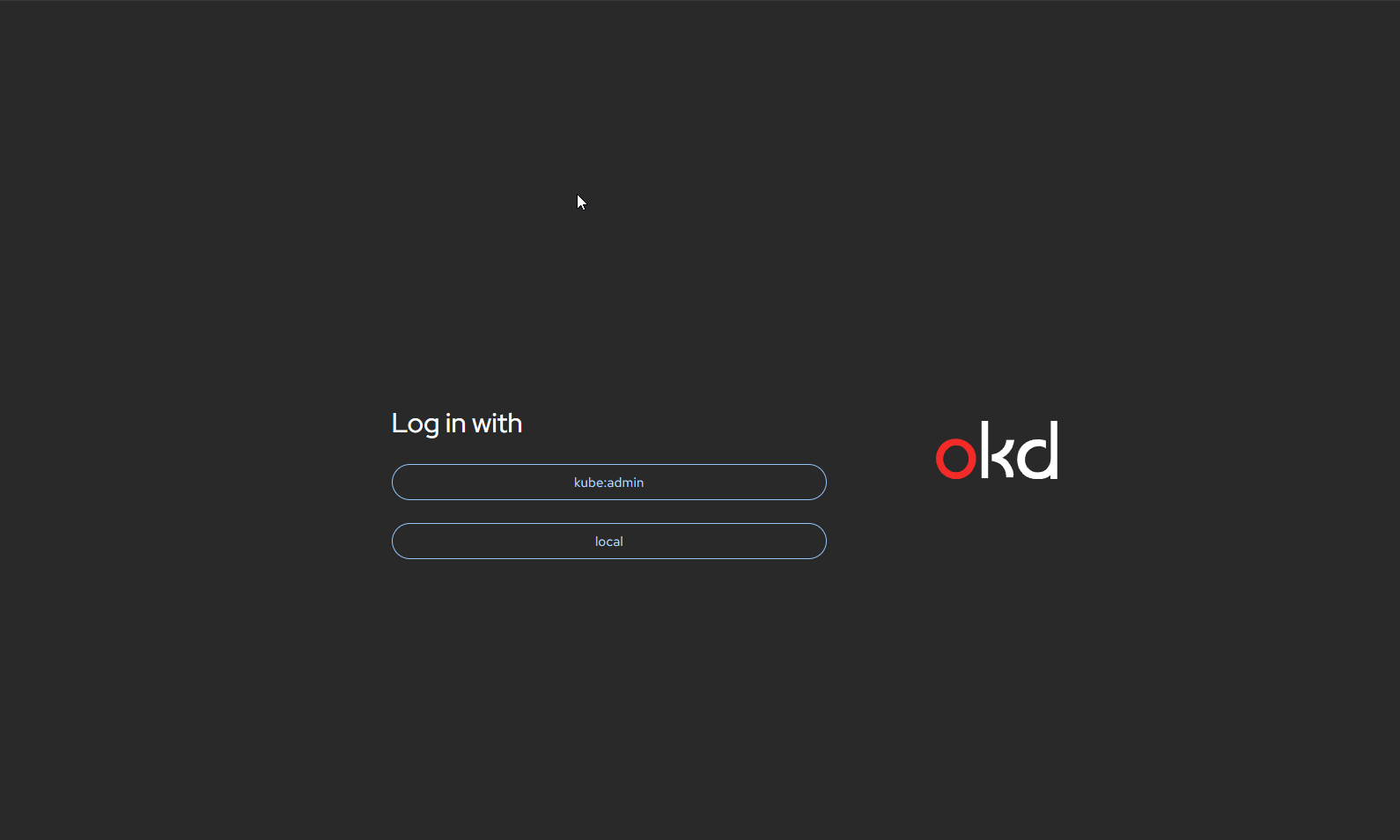
My goal is not to remove the local users yet. The priority is to add LDAP first, and once I trust it, remove the accounts that best practice says should be removed.
That will come later. For now, having all authentication methods available is important so I can fully understand how the whole system works.
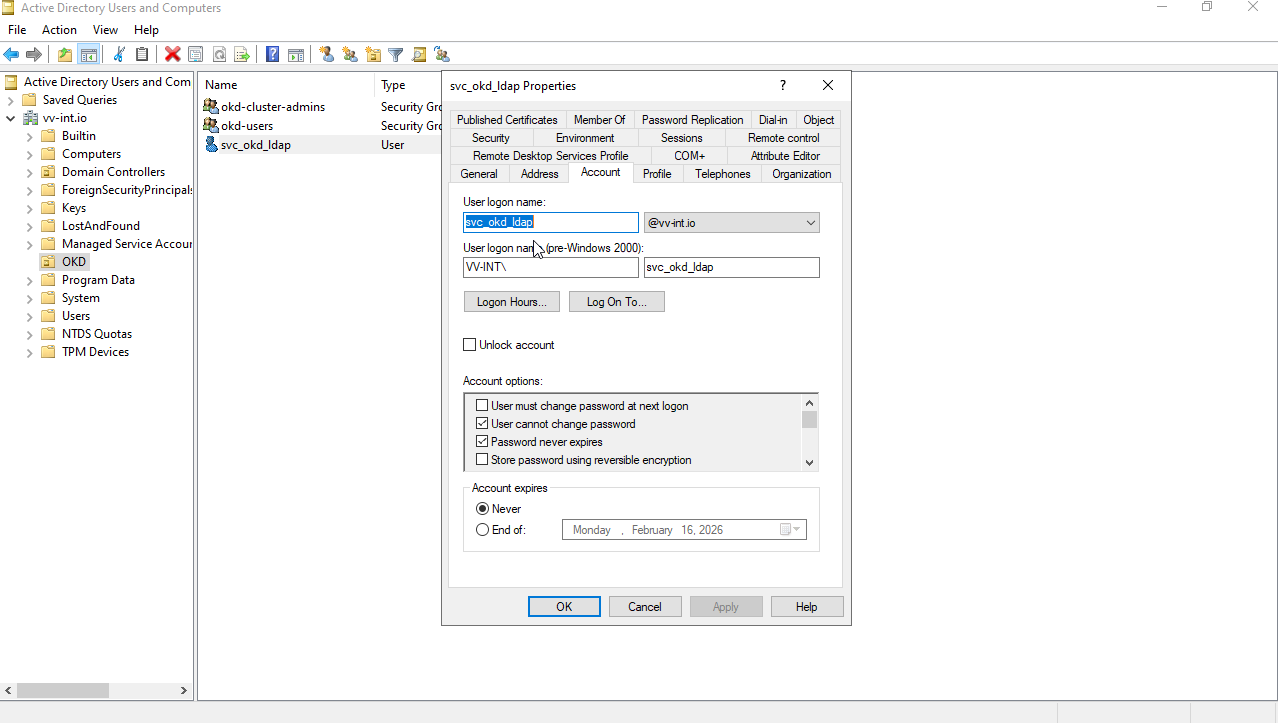
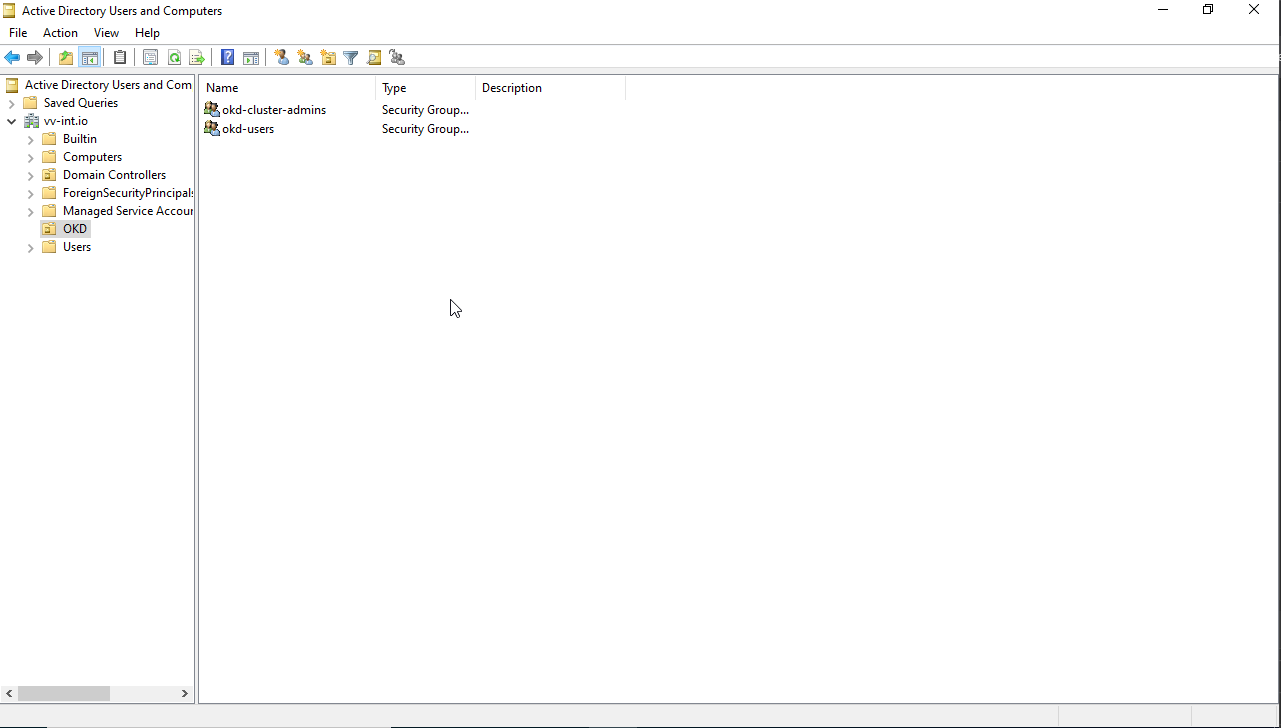
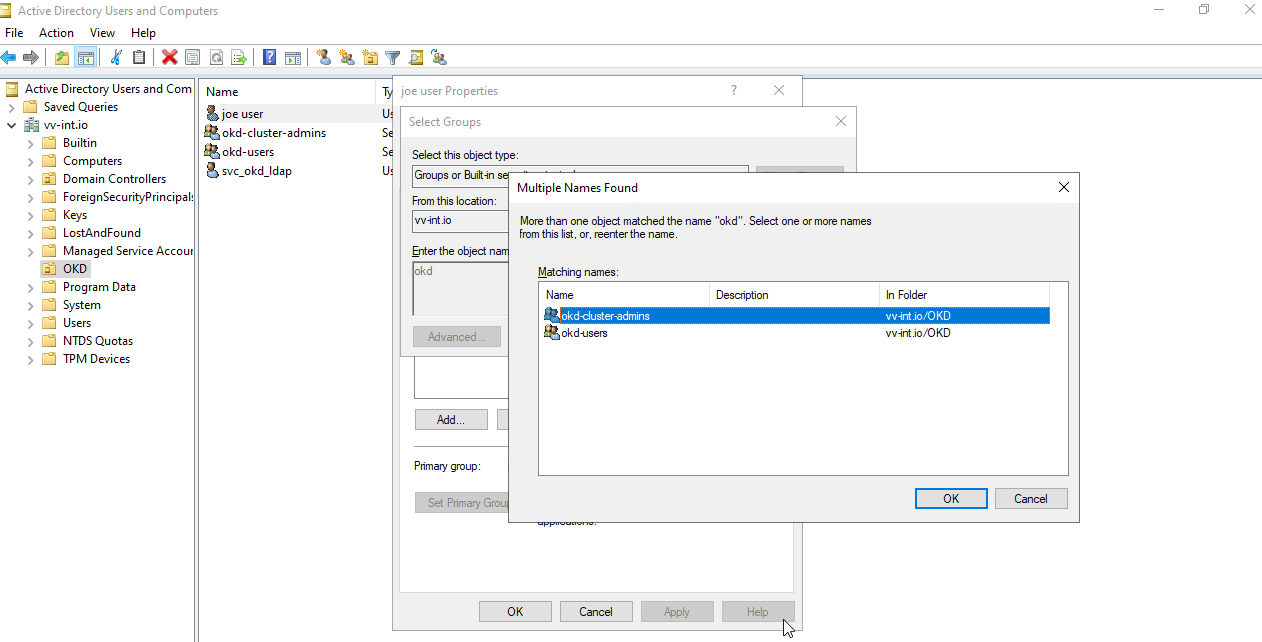
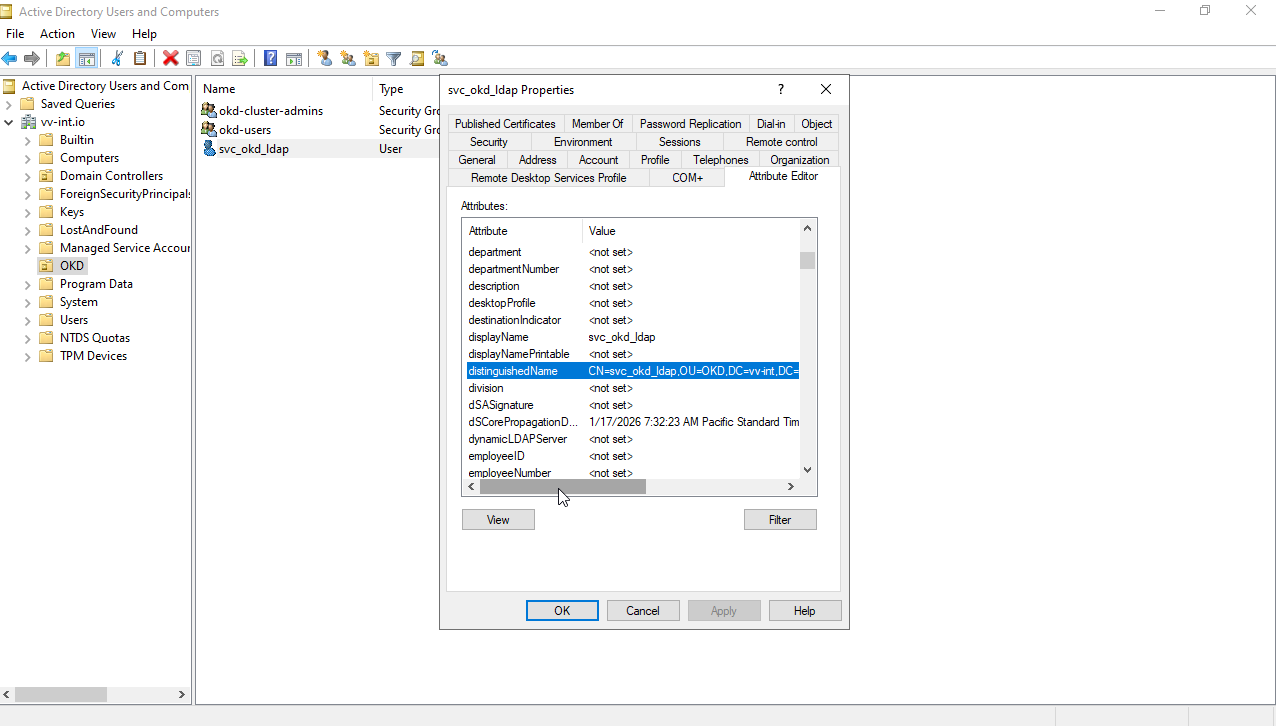
Now on to the OKD Config
First, we need to create the bind secret. This will be the password you configured on the LDAP side.
I installed openldap-clients on my installer VM to verify
ldapsearch -x \
  -H ldap://<ip>:389 \
  -D "CN=svc_okd_ldap,OU=OKD,DC=vv-int,DC=io" \
  -W \
  -b "CN=joe user,OU=OKD,DC=vv-int,DC=io" \
  memberOf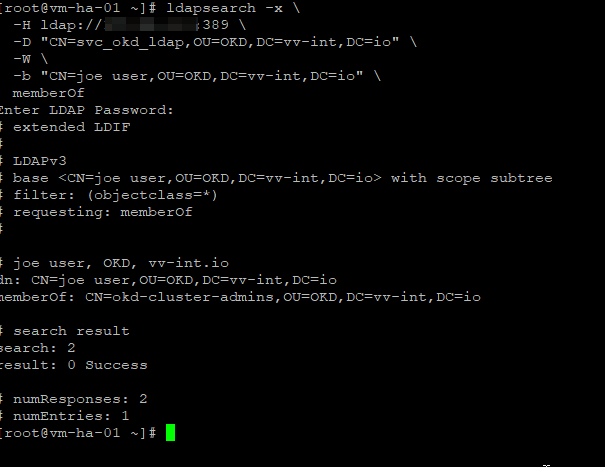
Now we create the bind secret that is used when we edit OAuth config.
oc create secret generic ad-ldap-bind \
  --from-literal=bindPassword='<PASSWORD>' \
  -n openshift-config

#Confirm secret
oc get secret ad-ldap-bind -n openshift-config

#Optional decode
oc get secret ad-ldap-bind -n openshift-config \
  -o jsonpath='{.data.bindPassword}' | base64 -d; echo
Now its tiime to create the bind to your LDAP. Edit OAuth Config,
#edit command
oc edit oauth.config.openshift.io/cluster

#You will only need to edit from here down
  - name: ad-ldap
    mappingMethod: claim
    type: LDAP
    ldap:
      url: ldap://172.26.2.1:389/DC=vv-int,DC=io?sAMAccountName
      bindDN: CN=svc_okd_ldap,OU=OKD,DC=vv-int,DC=io
      bindPassword:
        name: ad-ldap-bind
      insecure: true
      attributes:
        id:
        - dn
        preferredUsername:
        - sAMAccountName
        name:
        - displayName
        email:
        - mail
        groups:
        - memberOf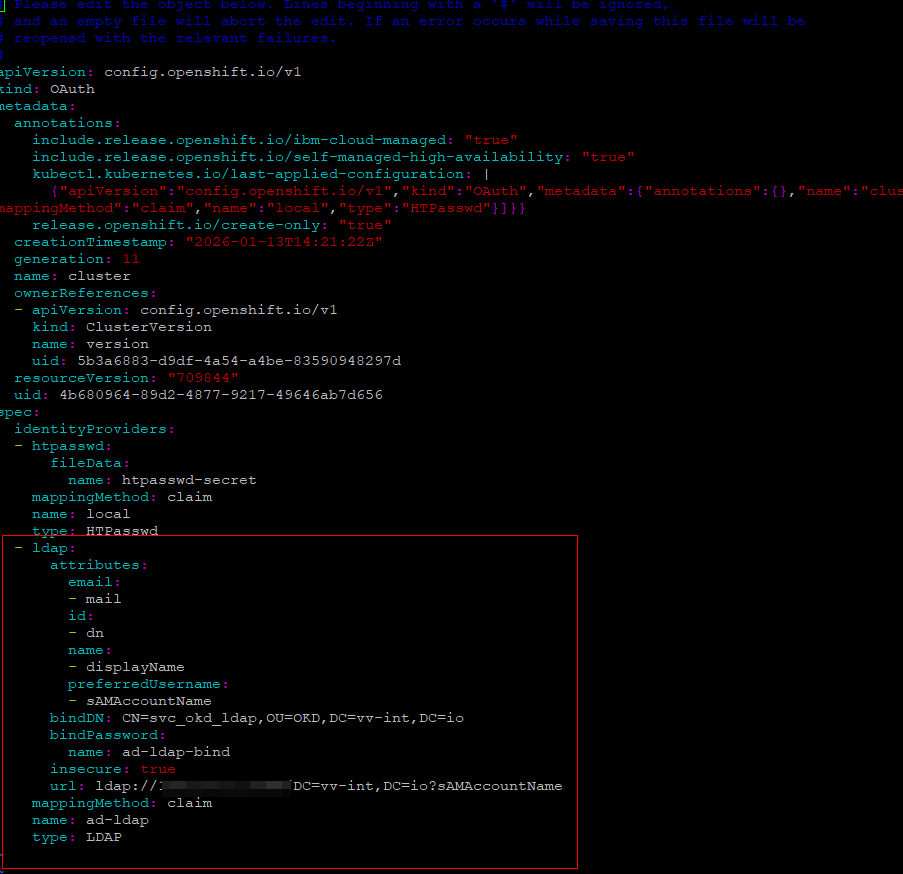
Once you edit this file, the authentication operator detects the change, and new pods roll out with the update applied.
#Some verify Commands
oc get pods -n openshift-authentication
oc rollout status deployment/oauth-openshift -n openshift-authentication
#Force clean reload
oc rollout restart deployment/oauth-openshift -n openshift-authentication
At this point, we are successfully bound to LDAP.
Next, we need to create a group sync YAML file. This file will be used to periodically sync groups (via cron) or to run manual syncs as needed. Once the groups are synced, we will bind RBAC roles to those groups.
#ldap-sync.yaml Create Bind PW
echo '<BIND_PASSWORD>' > /etc/openshift/ldap-bind-password
chmod 600 /etc/openshift/ldap-bind-password
Create the ldap-sync.yaml
#Create file
nano ldap-sync.yaml

#The config
kind: LDAPSyncConfig
url: ldap://<IP>:389
bindDN: "CN=svc_okd_ldap,OU=OKD,DC=vv-int,DC=io"
bindPassword:
  file: "/etc/openshift/ldap-bind-password"
insecure: true

augmentedActiveDirectory:
  groupsQuery:
    baseDN: "OU=OKD,DC=vv-int,DC=io"
    scope: sub
    derefAliases: never
  groupUIDAttribute: dn
  groupNameAttributes: [ cn ]

  usersQuery:
    baseDN: "OU=OKD,DC=vv-int,DC=io"
    scope: sub
    derefAliases: never
    filter: "(objectClass=user)"
  userNameAttributes: [ sAMAccountName ]
  groupMembershipAttributes: [ memberOf ]

groupUIDNameMapping:
  "CN=okd-cluster-admins,OU=OKD,DC=vv-int,DC=io": "okd-cluster-admins"
Run group sync, note you will run this over and over everytime you add users to groups or you cron itRun the group sync. Note that you will run this repeatedly every time you add users to groups, or you can schedule it via cron.
oc adm groups sync --sync-config=ldap-sync.yaml --confirmNow, bind the RBAC roles to the group. This is a one-time step per group creation.
oc adm policy add-cluster-role-to-group cluster-admin okd-cluster-adminsVerify stuff
oc get groups
oc get group okd-cluster-admins
OK, let’s head over to the UI and see what we should have at this point.
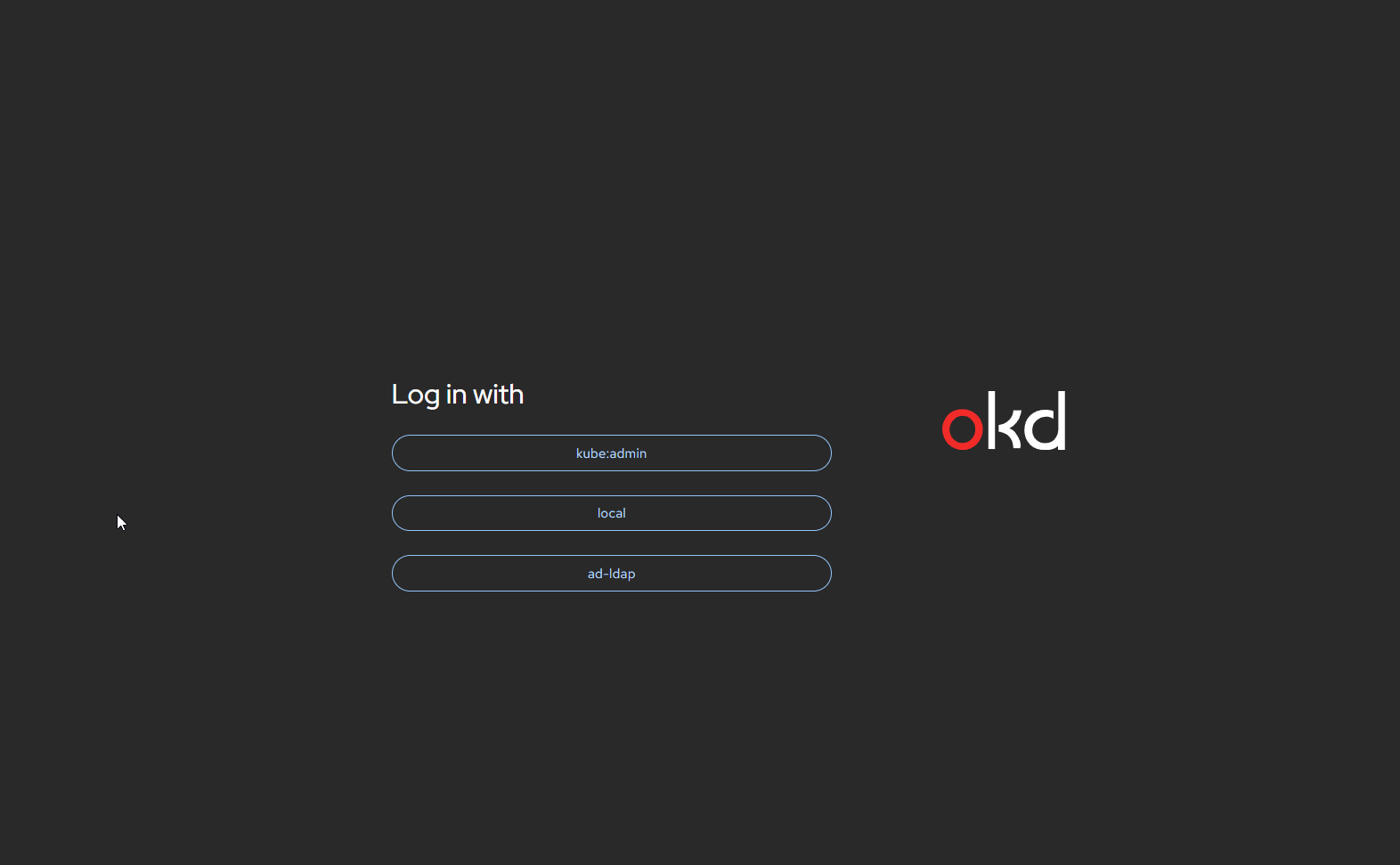
Choose ad-ldap
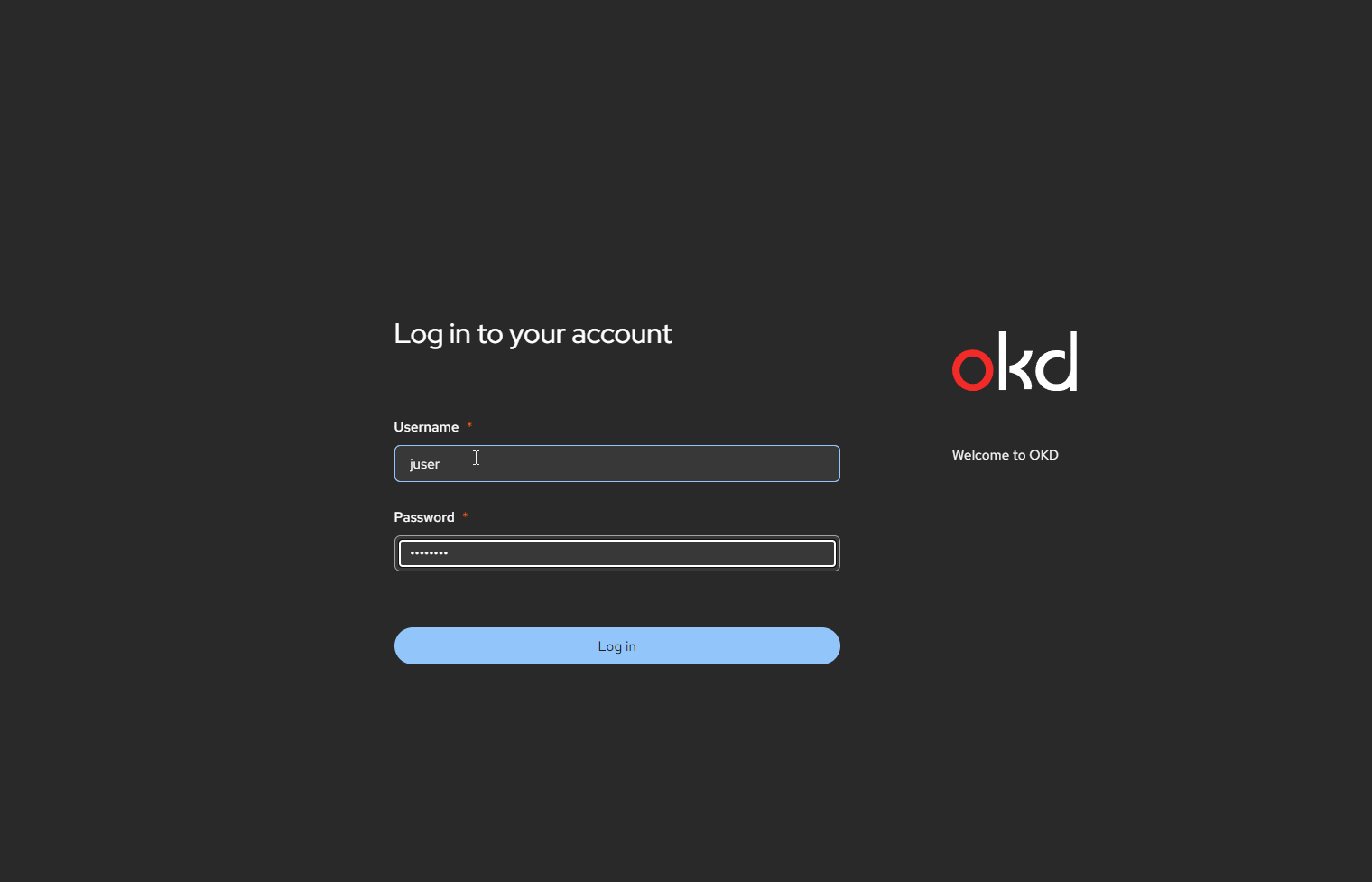
Boom
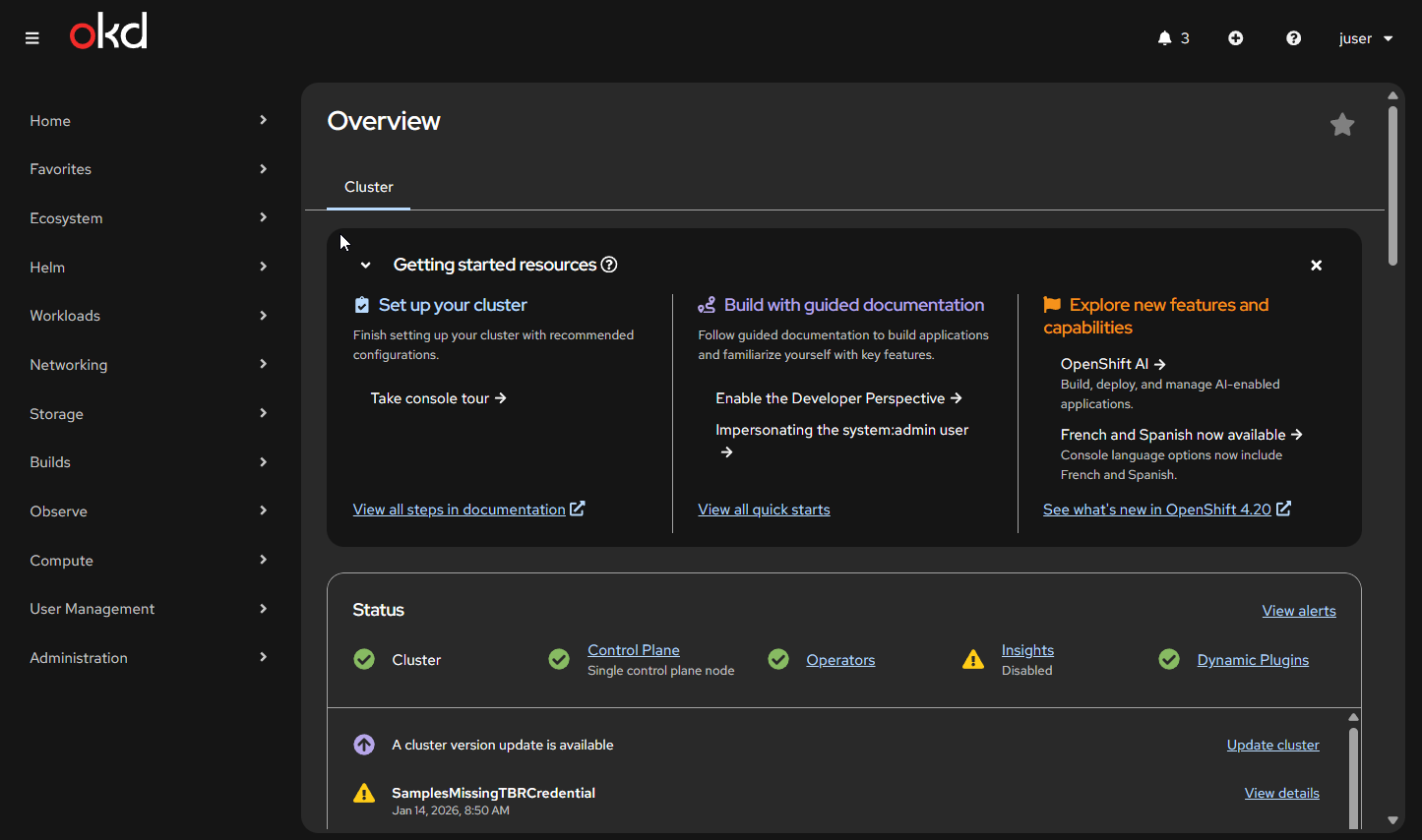
OK, so now we have an LDAP user juser with admin access. By the time you get here, it should be clear that OAuth is stateless.
At this point, it is worth looking at ldap-sync.yaml again.
The main use cases going forward are:
-
When you add a user to a group that is already defined, you need to run the sync so the user can log in.
-
When you add new groups, you must update this file, add the group DN, and run the sync.
I tend to tear things back down and rebuild them to really understand how they work.
A couple of things to keep in mind:
-
The default OKD OAuth token lifetime is 24 hours. This should be reduced in production, and you need a procedure to handle it.
-
There is no supported way to revoke an active token. In a termination or immediate access-removal scenario, deleting the user is the only reliable option..
Below is the teardown process to remove a user from OAuth.
#Make sure the user object is gone
oc get user yuser
#If it exists
oc delete user yuser
#Make sure there is NO stale LDAP identity for that user
oc get identities | grep ad-ldap | grep yuser
#If anything shows up, delete it
oc get identities | grep ad-ldap | grep yuser | awk '{print $1}' | xargs oc delete identity
#Optional bu why not
oc rollout restart deployment/oauth-openshift -n openshift-authentication
There are a lot of production scenarios I want to test with this. I have already covered some of them, but my notes are too scattered right now to turn into a solid post.
Plus, I want to go do some cool stuff now 😁
Thanks for reading!
-Christian