AWX Install Fun – Part 2

This part is actually easy now. The work we did in the previous post smoothed out all the rough edges that initially tripped me up. We will use the Dynamic NFS Provisioner we created in part one to make this install smooth as it can be.
If you missed it, this picks up right where the storage work left off:
Actual AWX install (now the fun stuff)
Let’s launch this sucker 🚀
Preflight
Verify the things.
oc get storageclass nfs-dynamic
which kubectl
If either fails → stop.

Create Namespace
In OpenShift, a Project is really just a namespace but with SCC and quotas.
oc new-project awxOperator install
The make deploy step uses kubectl under the hood, so it needs to be available in your PATH.
git clone https://github.com/ansible/awx-operator.git
cd awx-operator
git checkout 2.19.1
make deploy
Verify:
oc get pods -n awxExpected:
awx-operator-controller-manager-xxxxx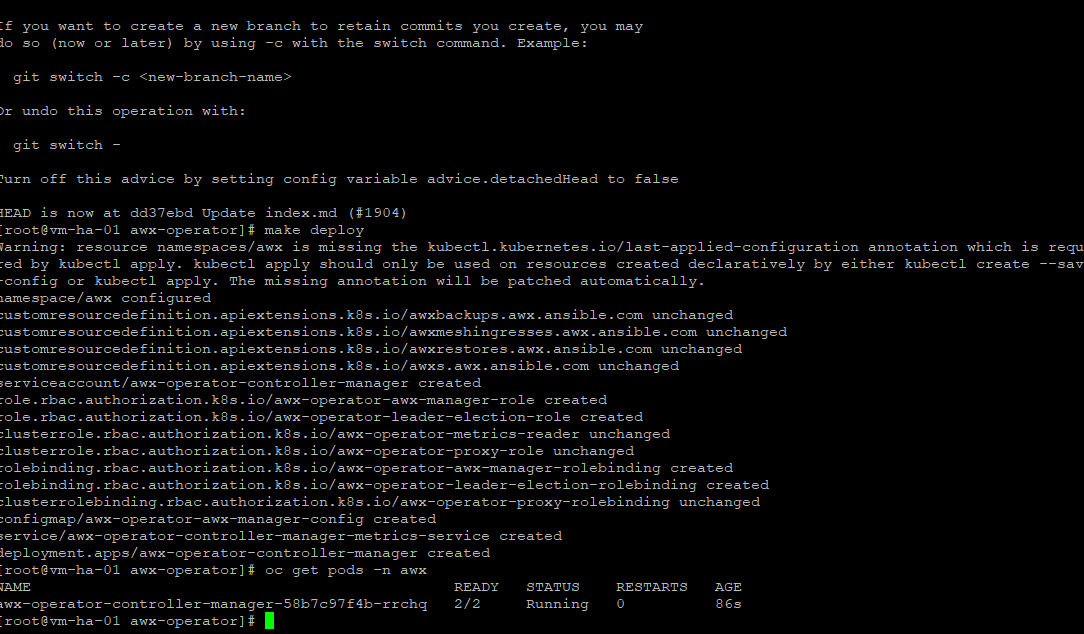
AWX instance (storage defined here)
Again, the storage sizes below are soft limits.
cat <<'YAML' | oc apply -f -
apiVersion: awx.ansible.com/v1beta1
kind: AWX
metadata:
  name: awx
  namespace: awx
spec:
  service_type: clusterip

  postgres_storage_class: nfs-dynamic
  postgres_storage_size: 10Gi

  projects_persistence: true
  projects_storage_class: nfs-dynamic
  projects_storage_size: 20Gi

  web_replicas: 1
  task_replicas: 1
YAML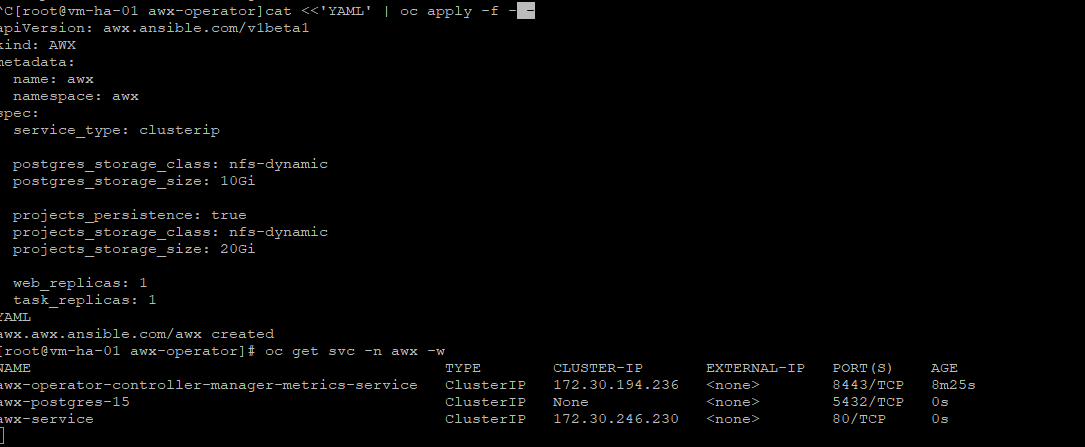
Create Route
Give me that UI.
oc expose svc/awx-service -n awxVerify:
oc get route -n awx
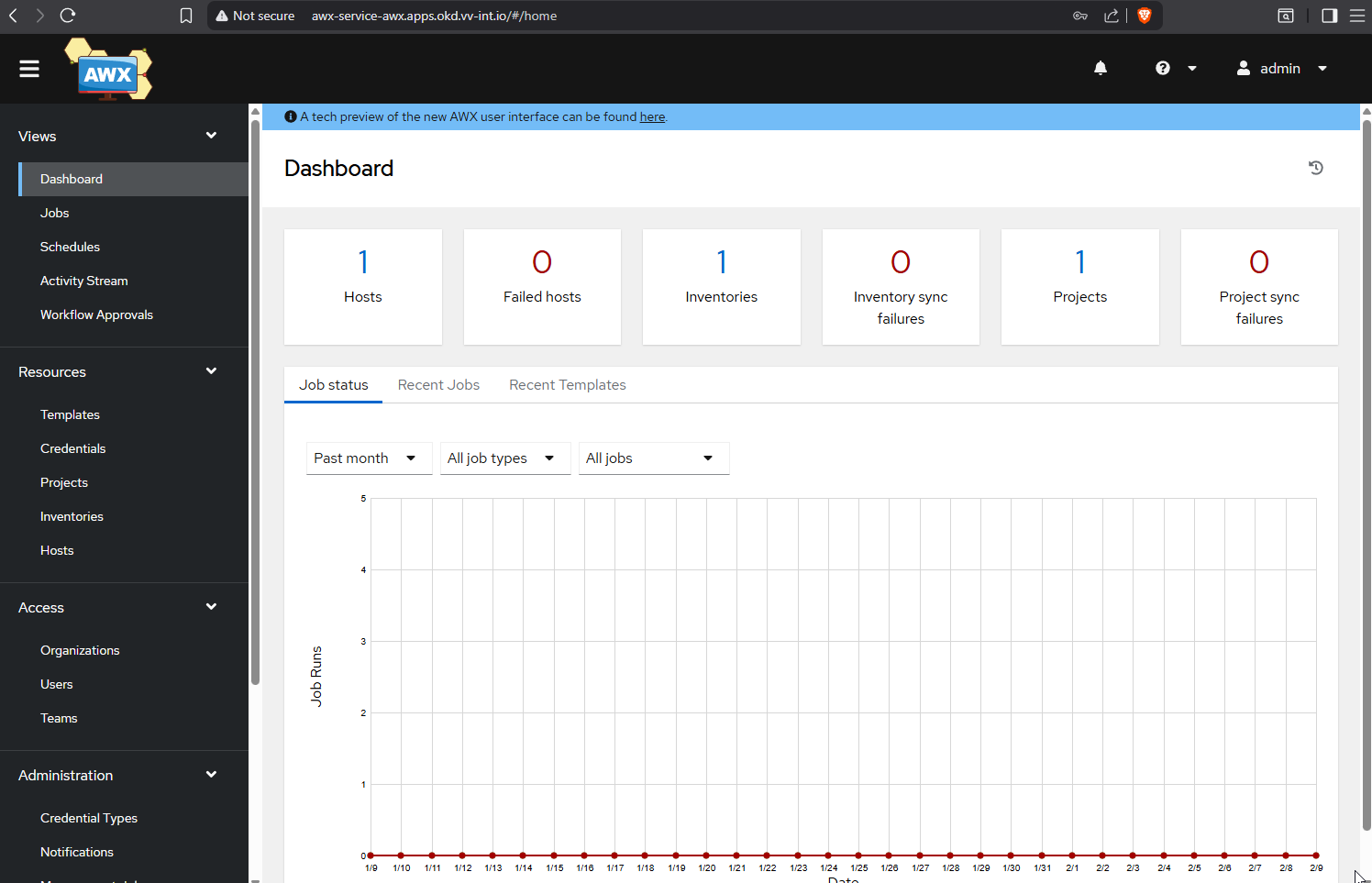
Access
Go get that admin password.
oc get secret awx-admin-password -n awx   -o jsonpath='{.data.password}' | base64 -d
echo
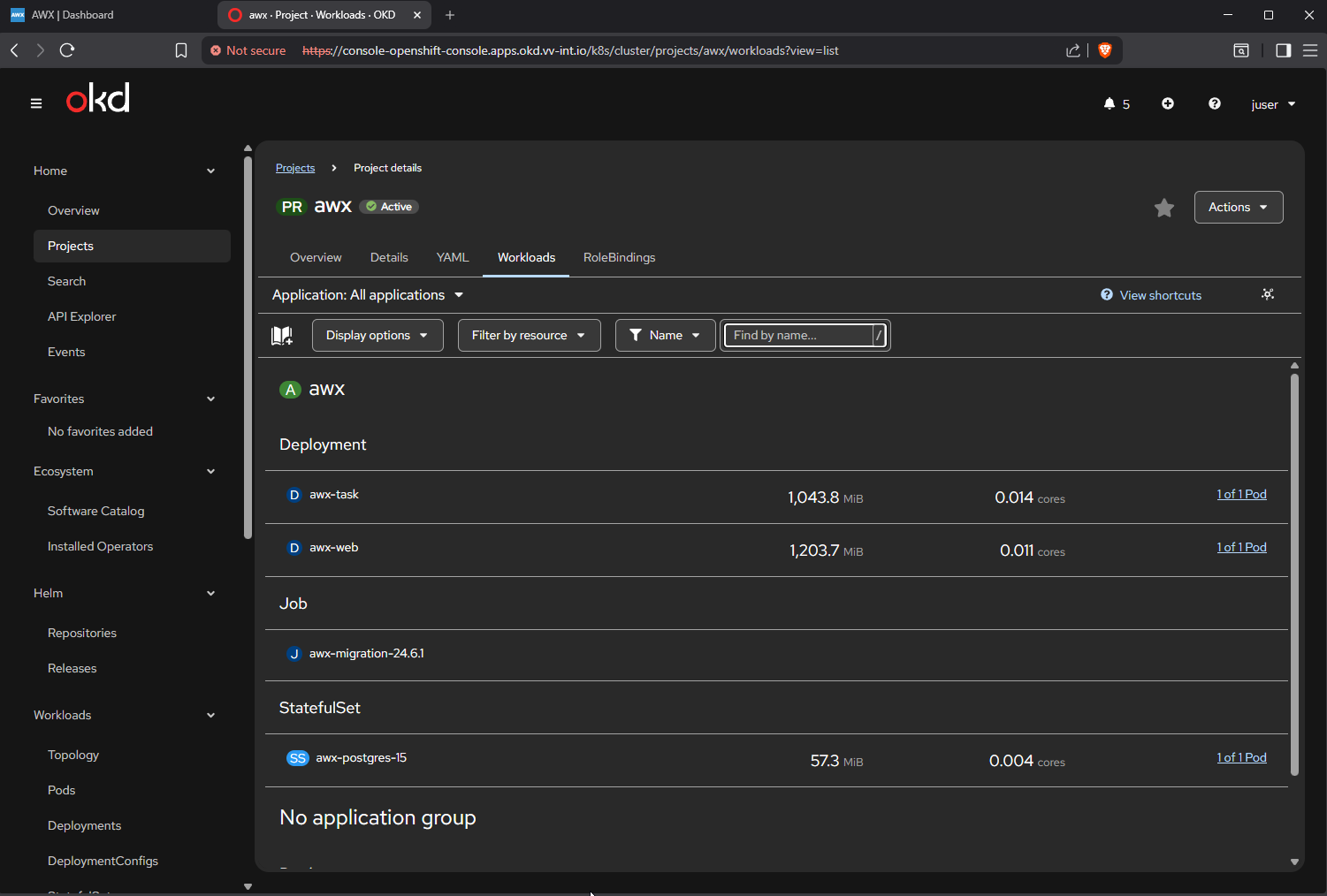

So yeah, that’s basically it. I’ve run through the AWX install four times now, mostly to make sure it’s repeatable, and at this point it feels pretty solid. If you follow the steps as written, there really shouldn’t be any surprises.
I’ll probably do a few more posts digging into AWX itself. I’ve already done a solid amount of Ansible work, so I feel pretty comfortable with that side of things. I’m already itching to start messing around with autoscaling.
For now, I’ve got two things checked off the board, with a third one hopefully coming together soon.
Thanks for reading,
-Christian